Parijat Ghosh
You’ve prepared your favourite show, your blanket, and some snacks. Then, boom! Netflix decides to stop working. Isn’t that annoying? It’s usually just a minor glitch that you can resolve in a matter of minutes, so don’t worry. We have just the list of solutions you can use right now if your Netflix is down. Before you give up on your movie night, try these simple fixes.
1. Check Your Internet Connection

For Netflix to function properly, a strong internet connection is required.
- Check to see if another website or app loads.
- Restart your Wi-Fi router if it doesn’t.
- For a brief test, switch to data if you’re using a mobile device.
One of the most frequent causes of Netflix not loading is a shaky internet connection. And, let’s be honest, internet providers often snitch on us with bad service.
2. Restart the App or Device

The classic “turn it off and on again” method is more effective than you might imagine. Shut down Netflix completely, then open it again. Still having issues? Restart your TV, laptop, or phone. Temporary bugs can be resolved with a simple reboot.
3. Update the Netflix App
The glitching issue may arise if you are using an outdated version of the application.
- Check the Google Play Store or App Store on smartphones and tablets.
- Check for app or system updates on Fire Sticks or smart TVs.
Smoother streaming and fewer crashes are guaranteed when you have set up an update reminder (Please, update your apps!).
4. Clear Cache and Data
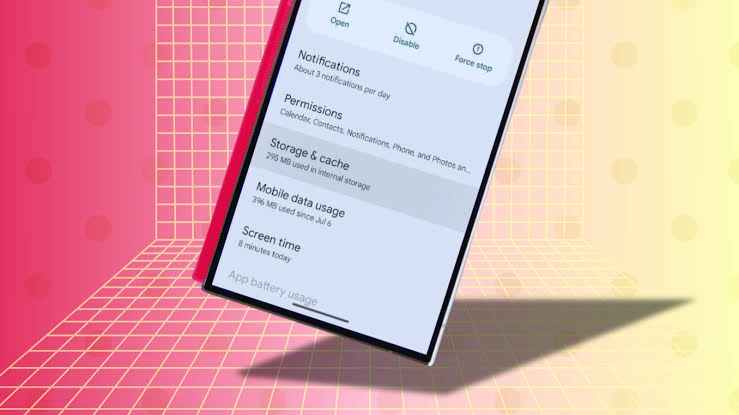
Over time, apps gather a lot of unnecessary data. Usually, clearing the cache helps if Netflix keeps freezing or crashing.
- On a mobile device: Settings > Apps > Netflix > Clear Cache (or Clear Data if necessary).
- Uninstall and reinstall the Netflix app on smart TVs and streaming devices.
This fixes bugs, restarts the app, and now you stream all the shoes you had lined up for the day.
5. Server Downtime
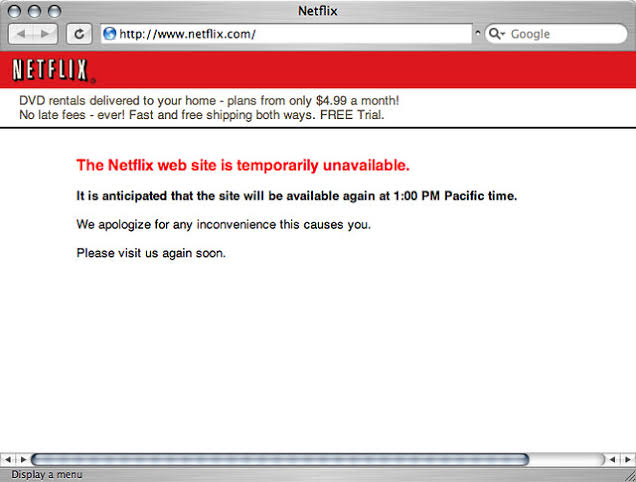
Sometimes Netflix itself is the problem, not you. Maintenance, high traffic, or unforeseen technical issues may cause server outages on the platform. Nothing you try will fix it until Netflix fixes the issue on its end. The best way to find out if other users are experiencing problems is to check the Netflix status page or use websites like Downdetector.
The only way to fix a downed server is to be patient; grab a snack, unwind, and wait for it to come back online. Annoying, but not much to do here.
Netflix downtime can be frustrating, since most OTTs just don’t want to give us good content, and we have to rely on Netflix as our unhinged best friend. With terrible server crashes. But, not to worry, these downtimes barely last. An hour or two at max. So, don’t sulk and try these fixes, and if the issue persists, let Netflix do its part.
If you have any questions on OTT, feel free to ask in the comments below. For more content, stay tuned. As usual, like, subscribe, and share our articles as we here are trying to build a community of people High on Cinema!